
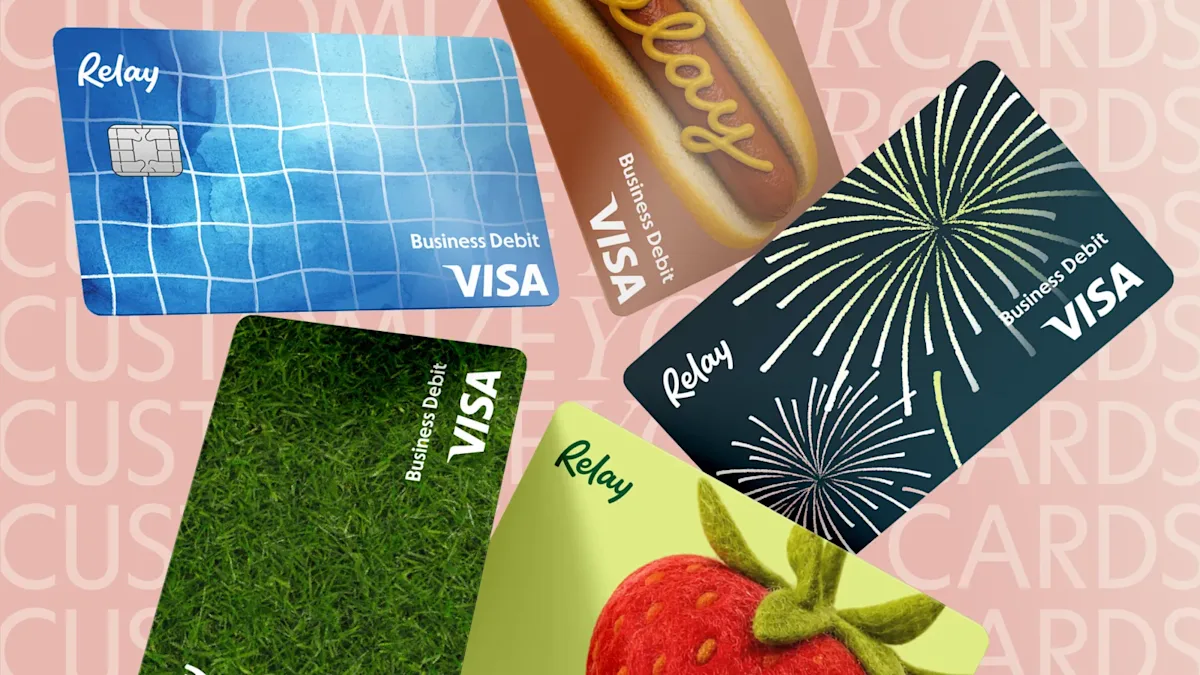
Fresh-cut grass. Fireworks at dusk. A hot dog slathered in mustard. Summer has arrived in your Relay account. Six limited edition virtual card3 designs just dropped, featuring iconic summer moments. They're here for the season only, so collect them all while they last!
Beyond the fun, they're genuinely useful: distinct designs mean you can tell at a glance which card is which inside your Relay account.
And whichever design you pick, every card comes equipped with the same set of controls. Here's everything worth setting up.
3The Relay Visa® Debit Card is issued by Thread Bank, Member FDIC, pursuant to a license from Visa U.S.A. Inc. and may be used anywhere Visa debit cards are accepted.
Set the rules before the first swipe
Every Relay card can carry its own spending limit, category restrictions, and approval rules, configured before the card ever gets used.
Spending limits cap how much a card can spend in a month. When a card hits its limit, it declines.
Category restrictions lock a card to specific merchant types. A software card only works for SaaS platforms. A travel card only covers flights, hotels, and car rentals. Anything outside the category declines automatically.
Spend approvals add a checkpoint before a purchase goes through. Set approval rules per card, cardholders send a request with context, and you approve or deny from your dashboard.
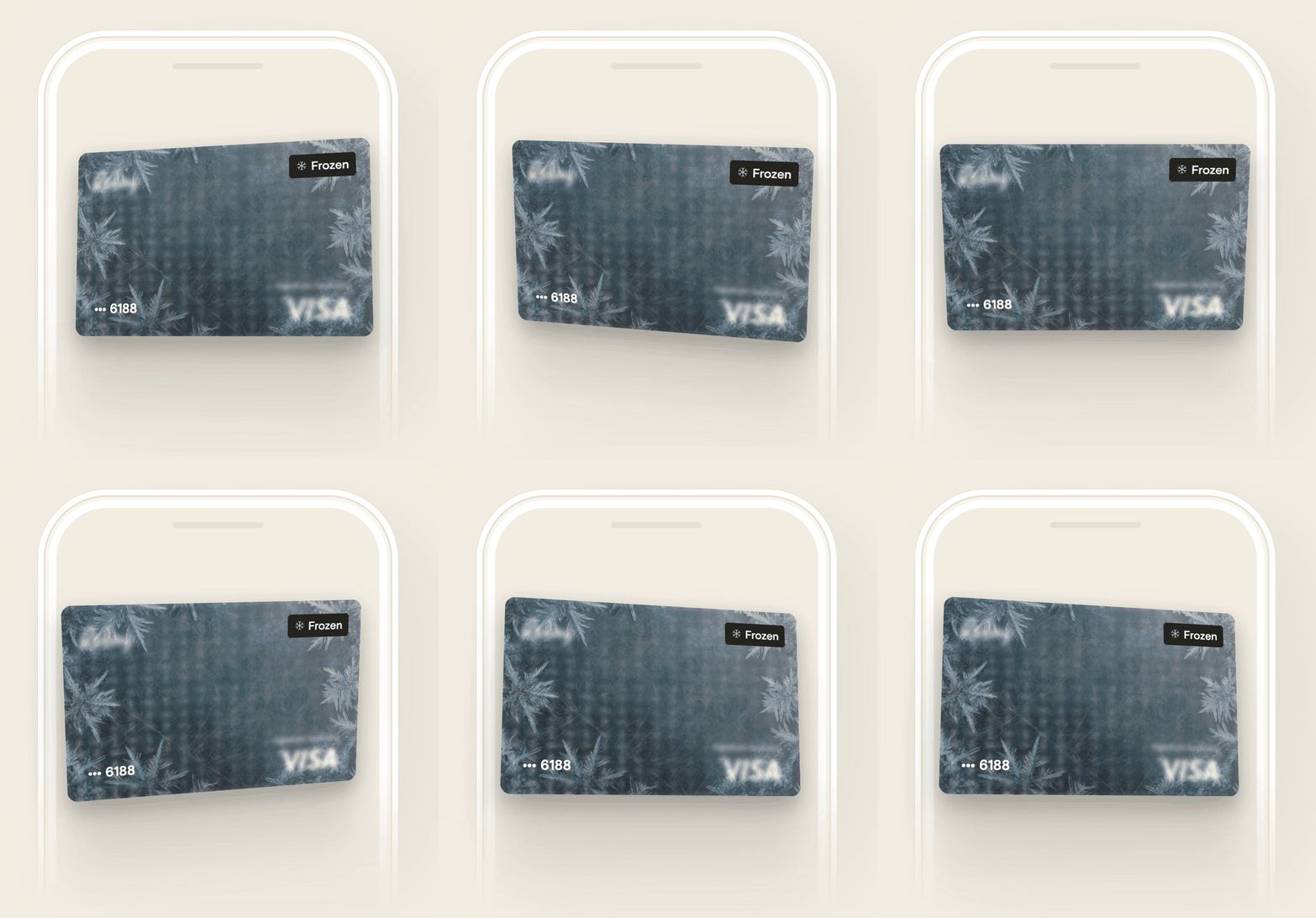
Freeze any card. Instantly.
If a card needs to be paused for any reason, you freeze it in seconds from your Relay account. It stops working immediately, with no impact on any of your other cards or accounts. Unfreeze it just as fast when you're ready.
Separate your spending with backup accounts
Relay lets you create up to 20 checking accounts, and that structure is worth using intentionally. Assign dedicated accounts as funding sources for specific cards or teams, so your main operating account stays separate from day-to-day spend.
If something goes sideways with one account, the others aren't touched.
Set a receipt policy before a receipt goes missing
Relay lets you define which card transactions require a receipt and which are exempt, so your team knows exactly what's expected from the moment a purchase happens.
Instant reminders go out automatically after each purchase. Team members can upload a photo, forward a digital receipt by email, or submit it from their phone. No chasing at month-end.
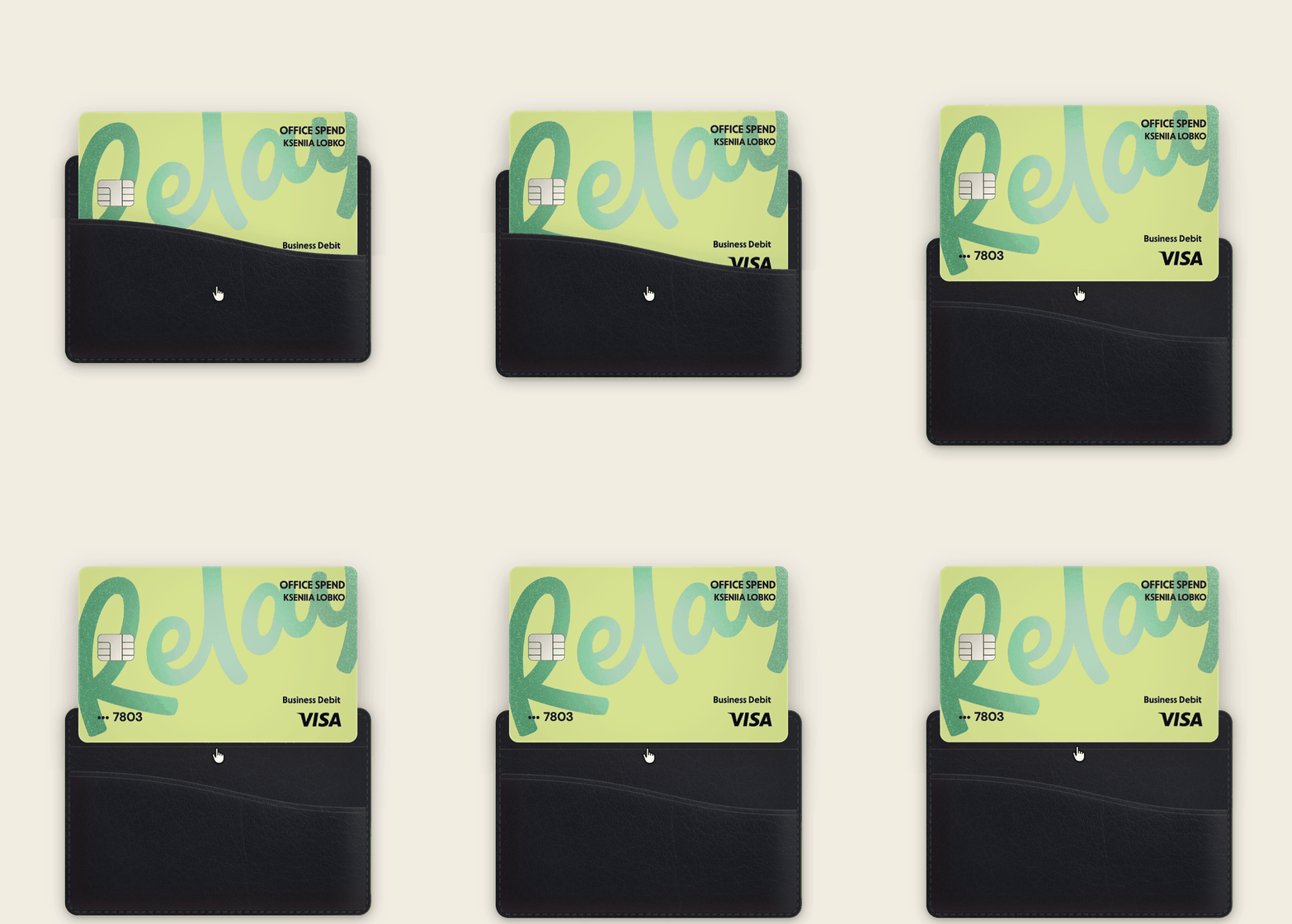
AI handles the categorization. Rules handle the rest.
Once receipts are in, Relay's AI takes over. Receipts match to transactions automatically. Relay assigns GL codes based on merchant type: every lumber purchase under Supplies, every coffee receipt under Meals.
For anything that needs a custom touch, accounting rules let you set your own logic. Define the exceptions once, and Relay applies them every time. Everything syncs to QuickBooks Online or Xero, categorized, matched, and audit-ready.
Your cards are already built for this
Head to your Relay account, grab a summer design before they're gone, and take 3 minutes to configure the controls on every card you're running. Set them once, and your cards do the work all season long.